














RSS

2026, November

Best Printers for Photography and Fine Art

Best Printers for Photography and Fine Art


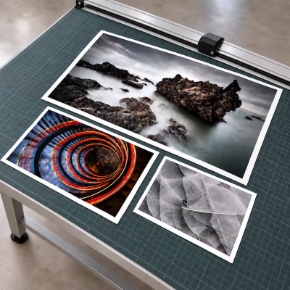
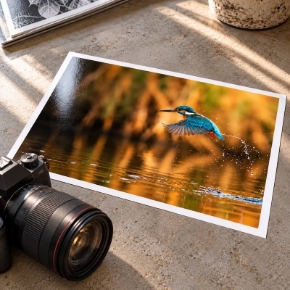
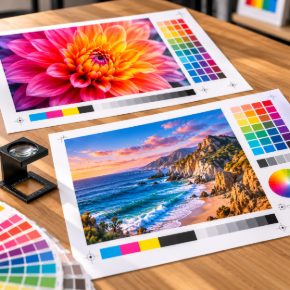
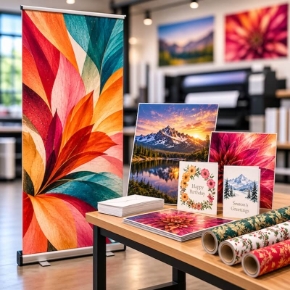
When photographers and fine art studios shop for a wide-format printer, the choice comes down to two lineups: Epson's SureColor P-Series and Canon's imagePROGRAF PRO Series. Epson's lineup is the SureColor P7570 (24 inch), the P9570 (44 inch), and the P20570 (64 inch). Canon's lineup is the imagePROGRAF PRO-2600 (24 inch), the PRO-4600 (44 inch), and the PRO-6600 (60 inch). All six are professional pigment ink printers built for gallery-quality photography and fine art reproduction, and all six will produce output your clients will love.


Within each lineup, the printers are essentially the same machine at different widths, with one exception: the P20570 is its own machine, with a different body and a bulk ink pack system. So the buying decision is really two questions: what size do you need, and which brand's philosophy fits how you work? This guide answers both. Browse the full lineups here: Epson P-Series printers and Canon PRO Series printers.


The short version: if you want the widest color gamut and the fastest output, buy Epson. If you want the most consistent, repeatable color and the simplest workflow, buy Canon. Either way, buy the 44-inch model unless you already know you need smaller or bigger.


Our Picks at a Glance

  • Best 24-inch value: Canon PRO-2600, regularly $3,525. The lowest cost of entry in this guide, with more ink in the box than the Epson at this size.
  • Best 24-inch for color: Epson P7570, regularly $4,695. The widest gamut in a 24-inch printer, and around 15 to 25 percent faster than the Canon in comparable modes.
  • Best 44-inch all-rounder: Epson P9570, regularly $6,595, for maximum color and speed, or Canon PRO-4600, regularly $6,375, for repeatable color and a user-replaceable printhead. The 44-inch size is the sweet spot for most professional fine art work.
  • Best 60/64-inch production: Epson P20570, regularly $12,495, the fastest photo printer in the P-Series at 200 ft/hr, or Canon PRO-6600, regularly $13,349, the only printer in this guide that ships with a takeup reel standard.
  • Best for rigid boards: any Epson P-Series printer. The P7570, P9570, and P20570 all print boards up to 1.5 mm thick. Canon maxes out at 0.8 mm.


Watch the full head-to-head: Canon PRO Series vs Epson P-Series, both lineups compared side by side:


Latex Printing: Everything You Need to Know

Latex Printing: Everything You Need to Know


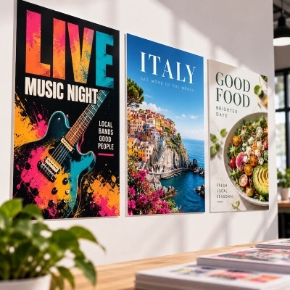
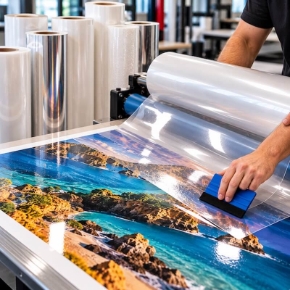
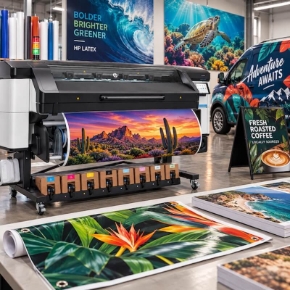
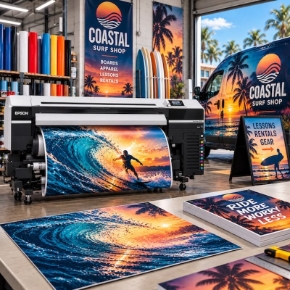
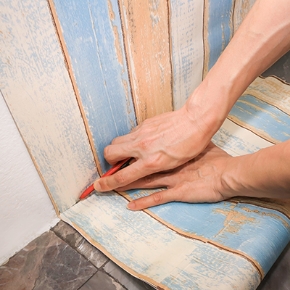
Latex printing is the technology behind most of the indoor signage you see every day: the retail graphics in a store window, the wallpaper in a restaurant, the stickers on a laptop, the banner at a trade show. It is HP's answer to the sign shop's oldest problem, how to print durable, vivid graphics without the smell, the ventilation, and the waiting time. The ink is water-based, the prints come out dry, and the work is ready to finish the moment it leaves the printer.


Here is the short version. A latex printer lays down water-based ink, then heat evaporates the water and cures the ink into a thin resin film on the media. That film is what makes latex prints instantly dry, scratch resistant, and odorless. HP's current lineup covers every size of sign shop: the Latex 630 for value, the Latex 730 for production speed, and the Latex 830 for high-volume work, with white-ink W versions of all three and the rigid-capable R530 for boards. This guide explains how latex printing works, what you can print with it, what it costs to run, and which printer fits your shop.


The one-sentence answer: latex printing cures water-based ink into a resin film with heat, so prints come out instantly dry and odorless, and HP's lineup gives you three 64-inch roll printers, the 630 for value, the 730 for speed, and the 830 for volume, plus white-ink W versions and the rigid-capable R530.


Watch the entry-level head-to-head: the Latex 630 against the Epson S7170 solvent printer, with print quality, speeds, and running costs compared:

Solvent Printing: Everything You Need to Know

Solvent Printing: Everything You Need to Know


Solvent printing is the workhorse of the sign industry. If you have ever seen a vehicle wrap, a storefront banner, or an outdoor sign that still looks new after years in the weather, you have seen solvent printing at work. It is the technology behind most of the wide-format graphics that live outside, and it is the reason Epson built its entire S-Series lineup around it.


Here is the short version. Solvent ink bonds to the media through a chemical reaction, which gives prints the durability to live outdoors and the flexibility to wrap around curves. Epson's current lineup covers every size of sign shop: the S7170 for value, the S8170 for speed, and the S9170 for color. This guide explains how solvent printing works, what you can print with it, what it costs to run, and which printer fits your shop.


The one-sentence answer: solvent printing bonds ink to vinyl and other coated media with a chemical reaction, so prints survive outdoors and wrap around curves, and Epson's S-Series gives you three 64-inch options, the S7170 for value, the S8170 for speed, and the S9170 for color.


Watch Andy walk through the flagship S9170 and the five reasons S80600 owners are upgrading:

Should You Buy an Epson SureColor F2270?

Should You Buy an Epson SureColor F2270?

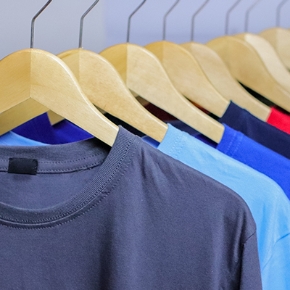
If you print t-shirts for a living and you keep turning work away, the Epson SureColor F2270 is built for exactly that problem. It is a hybrid direct-to-garment (DTG) and direct-to-film (DTF) printer, which means one machine prints directly onto garments and onto DTF film. You stop choosing between the two methods and start saying yes to both kinds of jobs.

Here is the short version. The F2270 suits most mid-sized t-shirt printers: shops doing real daily volume that have outgrown a desktop printer but do not need an industrial pod setup. It is up to 25% faster than the F2100 it replaces, it switches between DTG and DTF with a quick software toggle, and it ships with a full set of 800mL inks and a technician-led installation. If that sounds like your shop, keep reading. If you print 100 to 200 shirts a month from a home setup, the smaller F1070 is the better fit.


The one-sentence answer: buy the F2270 if you are a mid-sized apparel shop that wants DTG and DTF from one machine, with faster output and less manual setup than the F2100. It is the middle of Epson's DTG lineup for a reason.


UV vs UV-DTF vs DTF Printing: What's the Difference?

UV vs UV-DTF vs DTF Printing: What's the Difference?


UV printing, UV-DTF, and DTF printing sound like three versions of the same thing, and the names do not help. They are three different processes built on two different ink technologies, and the right one depends entirely on what you are printing on. Pick the wrong one and you are fighting the ink instead of running a business.


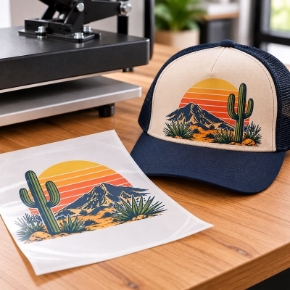
Here is the short version. UV printing prints directly onto hard goods. UV-DTF prints onto a film that sticks to curved or irregular hard goods. DTF printing prints onto a film that heat-presses onto soft goods like apparel. Same family of ideas, three different jobs.


The one-sentence answer: UV and UV-DTF both use UV-curable inks that harden instantly under UV light, while DTF uses pigment-based inks cured with adhesive powder and heat. That single difference in ink and curing decides what each process can print on.


Best Printers for Vehicle Graphics: Wraps, Fleet Graphics, and Decals

Best Printers for Vehicle Graphics: Wraps, Fleet Graphics, and Decals


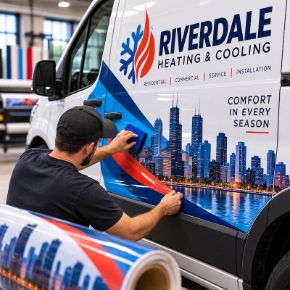
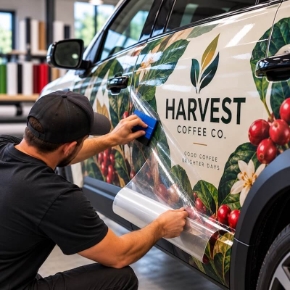
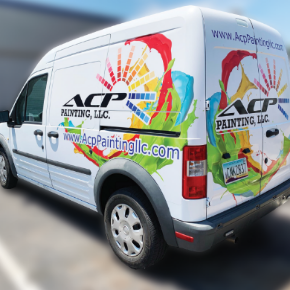
Vehicle graphics is one of the most requested applications in wide-format printing: full car wraps, fleet graphics, and decals. The right printer for the job depends on what you print most, how much volume you run...

New PhotoPRO Cotton Papers: Hot Press and Cold Press Fine Art Papers

New From PhotoPRO: Cotton Hot Press and Cold Press Fine Art Papers

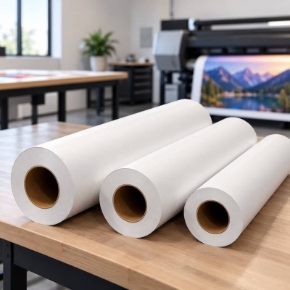
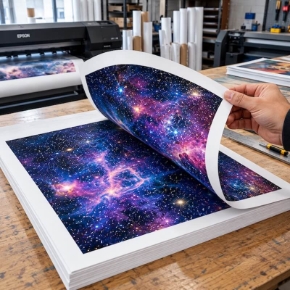
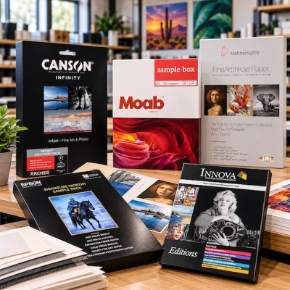
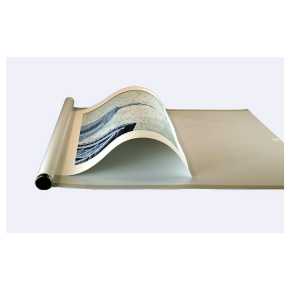
PhotoPRO is IT Supplies' premium house brand of photo and proofing media, built for accurate color, consistent results, and professional-quality prints. The lineup now grows with four new cotton fine art papers: two hot press and two cold press, each available in a bright white and a warm natural tone. All four are 100% cotton, matte finish papers made for photographers, fine art printers, and giclee studios running aqueous and latex printers.

Here is the short version. Hot press means a smooth surface. Cold press means a textured surface. Bright means a bright white base for punchier whites and deeper contrast. Natural means a warm, unbrightened tone for a softer, traditional fine art look. Pick your surface first, then your tone, and you have your paper.


The four new lines at a glance: Hot Press Bright 322gsm (smooth, bright white), Hot Press Natural 316gsm (smooth, warm natural white, no optical brighteners), Cold Press Bright 322gsm (textured, bright white), and Cold Press Natural 303gsm (textured, warm natural tone). Every line comes in sheets and in rolls up to 60 inches wide.


Solvent vs Latex Printing: What's the Difference?

Solvent vs Latex Printing: What's the Difference?

When customers shop for a professional sign printer, the comparison almost always comes down to two ink technologies: Epson solvent versus HP Latex. Solvent ink bonds to media through a chemical reaction that takes hours to finish, while latex ink is melted into a resin film with heat the moment it prints. That single difference explains the lamination wait, the odor, the power requirements, the media range, and the ink bill, and we put the two lineups head to head at all three price tiers.

Printers covered: Epson S7170, S8170, S9170 vs HP Latex 630, 630W, 730, 730W, 830, 830W.

What the blog covers: how each ink cures, lamination wait times, odor and VOCs, power requirements, media compatibility, scratch resistance and stretch, ink consumption, and which ink fits your shop.

Direct-to-Film (DTF) Printing: The Complete Equipment Guide

Direct-to-Film (DTF) Printing: The Complete Equipment Guide

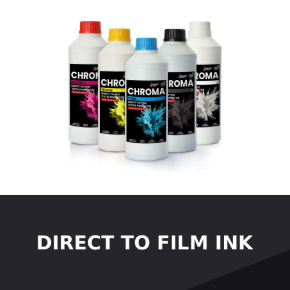
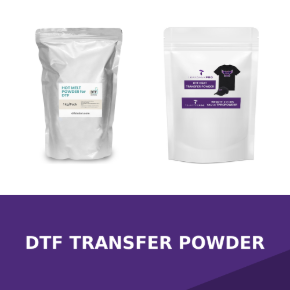
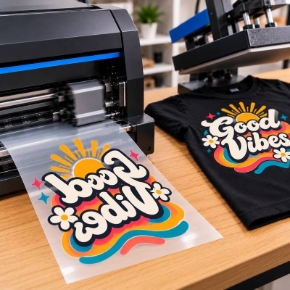
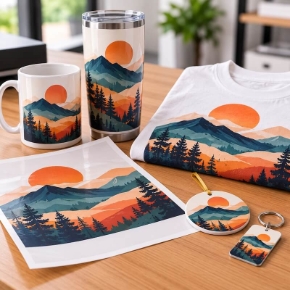
Direct-to-film printing is one of the fastest ways for shops to produce custom apparel in-house: print a design onto PET transfer film, coat it with adhesive powder, cure it, and press it onto a garment. No weeding, no screens, no minimum order. But a DTF setup is more than a printer, it is a small production line, and this guide walks through every station in workflow order.

Categories covered: DTF Printers, Transfer Film, DTF Ink, Hot Melt Powder, Powder Shakers, Curing Ovens, Heat Presses, Cutters, RIP Software, Cleaning Solution, Grease and Busting Solutions.

What the blog covers: the five-step DTF workflow, what each of the 11 subcategories does, which printer widths fit which shops, and how to put a complete DTF line together.

Canon imagePROGRAF PRO vs Epson SureColor P-Series: Which Photo and Fine Art Printer Fits Your Shop?

Canon imagePROGRAF PRO vs Epson SureColor P-Series: Which Photo and Fine Art Printer Fits Your Shop?

When customers shop for a professional photo or fine art printer, the comparison almost always comes down to two brands: Canon's imagePROGRAF PRO Series versus Epson's SureColor P-Series. Within each lineup, the printers are essentially the same machine at different widths, so this comparison is really about the philosophy behind each brand: Epson is built for maximum color gamut, faster throughput, and rigid media capability, while Canon is built for consistent, repeatable color, better scratch resistance on glossy media, a user-replaceable printhead, and a dual-roll system.

Printers covered: Canon PRO-2600, PRO-4600, PRO-6600 vs Epson P7570, P9570, P20570.

What the blog covers: ink and color, printheads, speed, media handling, borderless printing, rigid media, and total price, including the ink that ships in the box and the P20570's no-ink detail.