



















































Direct-to-Film (DTF) Printing: The Complete Equipment Guide
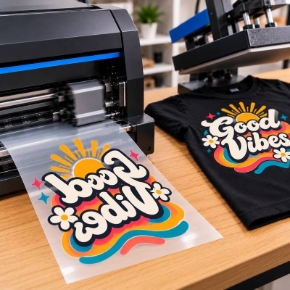
Direct-to-film printing has become one of the fastest ways for shops to produce custom apparel in-house, because the process is straightforward: print a design onto PET transfer film, coat it with adhesive powder, cure it, and press it onto a garment. No weeding, no screens, no minimum order, and it works on light and dark fabrics, cotton, blends, and more.
But a DTF setup is more than a printer. It is a small production line, and every station matters. Our Direct to Film category covers the whole line in 11 subcategories, 173 products in total. This guide walks through each one in workflow order, so you can see what each piece does and where it fits.
The DTF workflow in five steps: print the design onto transfer film, apply hot melt powder, cure the powder, press the transfer onto the garment, and peel. Printers, film, and ink handle step one. Powder and shakers handle step two. Curing ovens and shaker dryers handle step three. Heat presses handle step four. Cutters, RIP software, and cleaning supplies keep the whole line running.
Every DTF Category at a Glance
- DTF Printers
- Transfer Film
- DTF Ink
- Hot Melt Powder
- Powder Shakers
- Curing Ovens
- Heat Presses
- Cutters
- RIP Software
- Cleaning Solution
- Grease and Busting Solutions
1. DTF Printers
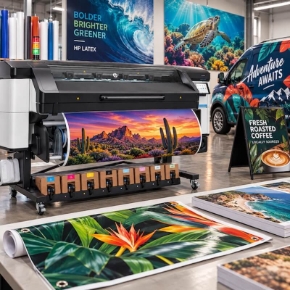
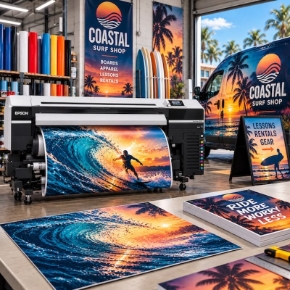
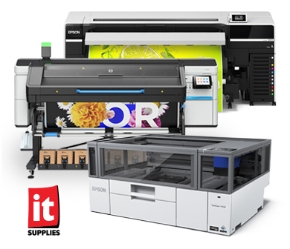
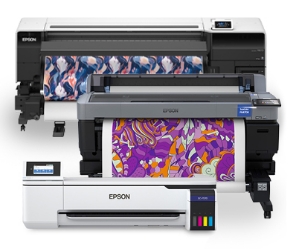
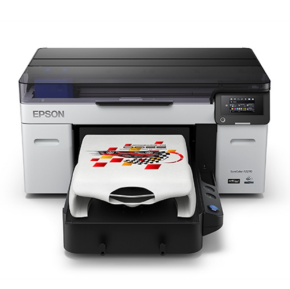
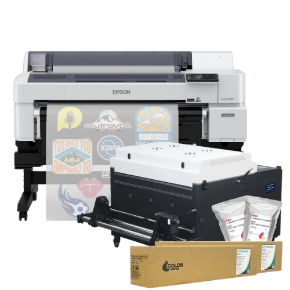
The printer is the heart of the line, and the right width depends on your volume. Desktop options like the Roland VersaSTUDIO BY-20 (20 inch) suit shops starting out or working in tight spaces. Mid-range roll-to-roll machines like the Roland TY-300 (30 inch) and the Epson SureColor G6070 (35 inch) fit growing apparel shops. Production machines like the STS XPD-924D (24 inch) and the Epson SureColor G9070 (64 inch) are built for high-volume decorators and contract printers. The Epson SureColor F1070 is a DTG and DTF hybrid for shops that want both processes in one machine. Many printers are also available as bundles paired with a shaker and dryer, so the print and powder steps arrive matched to each other.
2. Transfer Film
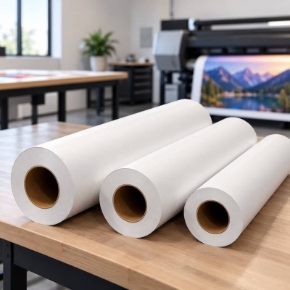
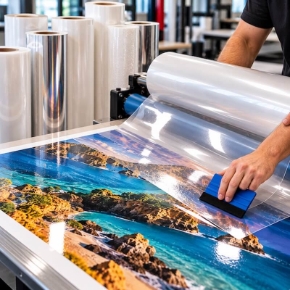
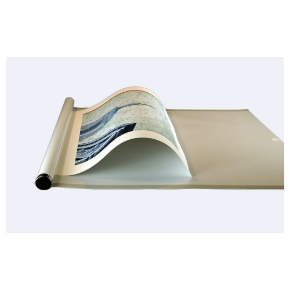
Transfer film is the PET sheet your design is printed onto before it ever touches a garment. It comes in sheets for desktop and small-format work and in rolls for roll-to-roll production, in widths matched to your printer. Options include quick-glide films for smooth feeding, universal peel films, and specialty films like glitter and foil finishes, plus cold peel films for a matte, soft-hand finish. Choosing the right film matters: it affects how cleanly the transfer releases, how the print feels on the garment, and how well it holds up in the wash.
3. DTF Ink
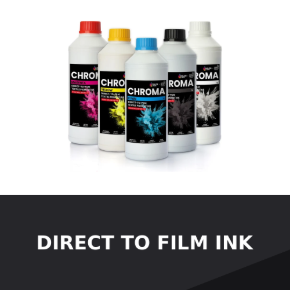
DTF ink is a textile pigment ink set built around one ingredient other print processes do not have: white. The printer lays down color over a white underbase, which is what lets DTF prints stay bright and opaque on dark garments. Ink is sold by printer platform, with cartridges and packs for Epson, Roland, and STS systems, plus UV DTF inks for hard-surface transfers. White ink needs regular circulation and maintenance to stay reliable, which is why the cleaning categories below are part of the setup, not an afterthought.
4. Hot Melt Powder
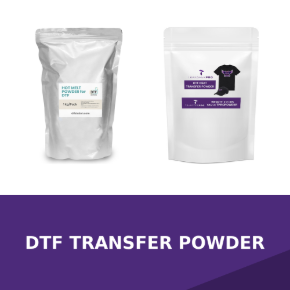
Hot melt powder is the adhesive that bonds the printed design to the garment. After printing, powder is applied over the wet ink, coating the design evenly. When cured and pressed, it melts into the bond that holds the transfer through washing and wear. Powders come in different formulations, including standard white, flex formulas for stretchy garments, and low-migration formulas for polyester and dye-sensitive fabrics where dye migration is a concern. Buying powder in the right size, from small bags to 20kg bulk, keeps cost per transfer in line with your volume.
5. Powder Shakers
A powder shaker automates the messiest step in DTF: applying powder evenly, shaking off the excess, and drying and curing the transfer so it is ready to press or store. For roll-to-roll shops, a shaker and dryer matched to the printer width, like the Miro 36 Pro with the G6070 or the Seismo dryers with the G9070, turns printing into a continuous line instead of a manual batch process. Smaller shakers serve desktop and sheet workflows. If you are buying a printer, check the bundle options first, since a matched shaker package is usually the simplest way to start.
6. Curing Ovens
A curing oven melts the hot melt powder into a smooth, even layer on the transfer before pressing. It is the dedicated solution for sheet-based workflows and smaller shops that do not run a full shaker dryer line, giving consistent time and temperature control so every transfer cures the same way. Units like the DTF Station Phoenix Air and the Lawson American DTF Cure Box cover standard transfer sizes with digital controls and cycle-finished alarms, so curing stays repeatable job after job.
7. Heat Presses
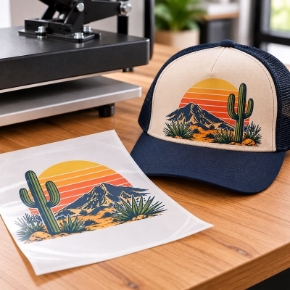
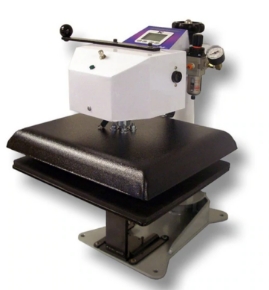
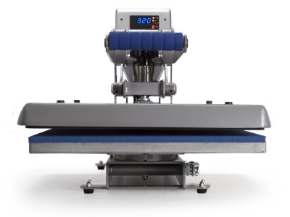
The heat press is where the transfer becomes a finished garment. It applies the heat, pressure, and time that bond the cured transfer to the fabric. The range runs from compact craft and clamshell presses for startups, through auto-open and swing-away models for daily production, up to air-powered dual-platen presses for high-volume shops, plus cap presses for headwear and label presses for small transfers. Hotronix and Geo Knight anchor the lineup, and the right press depends on your garment mix, your volume, and how much automation you want at the press station.
8. Cutters
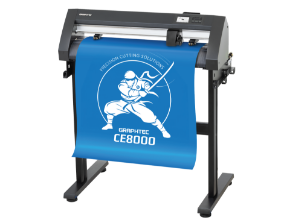
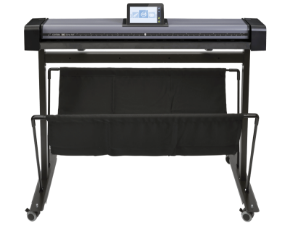
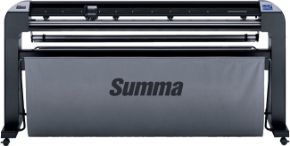
Cutters finish the job when transfers need contour cutting or when you run print-and-cut work alongside DTF. Roll cutters like the Summa S Class 3 and Graphtec FC9000 series handle vinyl and transfer cutting at widths from 30 to 64 inches, while flatbed cutters like the DTF Station Arc series cut sheet and roll DTF with camera registration and vacuum hold-down. If you already cut vinyl or plan to offer cut transfers, a cutter turns your DTF line into a full decoration shop.
9. RIP Software
RIP software is what turns your artwork into a printable DTF file: it manages the color, lays down the white underbase, and controls ink density so transfers print right the first time. It also handles nesting and gang sheets, which is how production shops fit more transfers onto every foot of film. Epson DTF printers include Fiery Digital Factory and Epson Edge Print Pro, and standalone options like SAi Flexi PRINT for DTF and DTG cover other platforms on a subscription basis. If your prints are coming out with weak white coverage or wasted film, the RIP is the first place to look.
10. Cleaning Solution
Cleaning solution is daily maintenance for a DTF printer, and it matters more here than in any other print process because white ink settles and clogs if it sits. Cleaning cartridges and fluids flush the lines, keep nozzles firing, and protect the printheads that do the most expensive work in the shop. Keeping cleaning solution in stock and running scheduled cleanings is the cheapest insurance against downtime and head replacements.
11. Grease and Busting Solutions
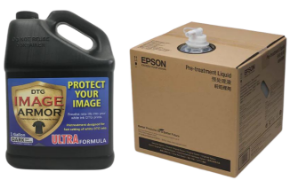
When a routine cleaning does not clear a clog, busting solution is the next step. These are stronger maintenance fluids made to break down dried ink and stubborn blockages in nozzles and lines, getting a printer back into production without a service call. They are a small category with an outsized job: one bottle on the shelf can be the difference between a lost production day and a quick recovery.
Shop Grease and Busting Solutions
Putting Your DTF Line Together
Start with the printer width your volume justifies, then build outward: film and ink matched to that printer, powder in a formulation for your fabrics, a shaker or curing oven for the powder step, and a heat press sized to your garments. Add a cutter if you cut transfers, RIP software if your platform needs it, and cleaning and busting solutions from day one. If you would rather skip the matching work, look at the printer and shaker bundles first, since those pair the two biggest stations for you.
Still deciding between starting with a desktop machine or going roll-to-roll? Our team can walk through your volume, your garment mix, and your floor space, and point you at the setup that fits. You can also see the printers running in person at our Chicagoland demo center.
Talk DTF With Our Team
Questions about DTF printers, supplies, or the right setup for your shop? Our specialists can help.