






























































Solvent Printing: Everything You Need to Know
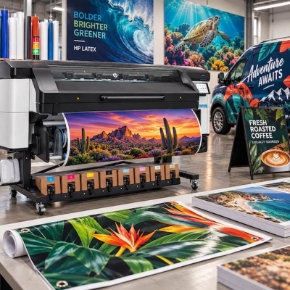
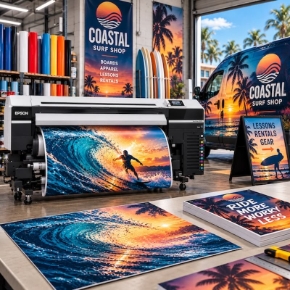
Solvent printing is the workhorse of the sign industry. If you have ever seen a vehicle wrap, a storefront banner, or an outdoor sign that still looks new after years in the weather, you have seen solvent printing at work. It is the technology behind most of the wide-format graphics that live outside, and it is the reason Epson built its entire S-Series lineup around it.
Here is the short version. Solvent ink bonds to the media through a chemical reaction, which gives prints the durability to live outdoors and the flexibility to wrap around curves. Epson's current lineup covers every size of sign shop: the S7170 for value, the S8170 for speed, and the S9170 for color. This guide explains how solvent printing works, what you can print with it, what it costs to run, and which printer fits your shop.
The one-sentence answer: solvent printing bonds ink to vinyl and other coated media with a chemical reaction, so prints survive outdoors and wrap around curves, and Epson's S-Series gives you three 64-inch options, the S7170 for value, the S8170 for speed, and the S9170 for color.
Watch Andy walk through the flagship S9170 and the five reasons S80600 owners are upgrading:
What Is Solvent Printing?
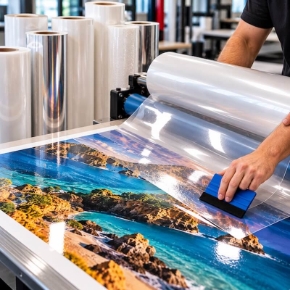
Solvent printing uses ink carried in a solvent. When the ink hits the media, the solvent softens the media's coating and the pigment bonds to it through a chemical reaction, then the solvent evaporates with gentle heat under 135 degrees. The print is dry to the touch in minutes, but the chemical reaction takes hours to finish, which is why solvent prints need time before lamination.
That bond is the whole point. Because the ink becomes part of the media instead of sitting on top of it, solvent prints hold up outdoors and stay flexible enough to stretch around vehicle curves without cracking. It is also why solvent printing needs solvent-coated media. The coating is what the solvent reacts with, so vinyl, PVC, banner material, canvas, and film all work, and uncoated paper and fabric do not.
Epson's version is a milder solvent than the old hard-solvent printers. There is no special exhaust system required, though the odor can build up in a small room, so ventilation still matters. And unlike latex printers, which need two 220V outlets to run their heaters, a solvent printer runs on standard 110V power.
What Can You Print With a Solvent Printer?
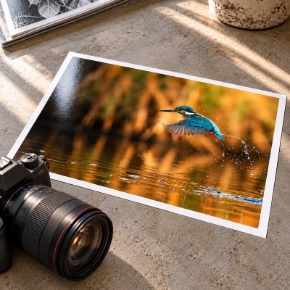
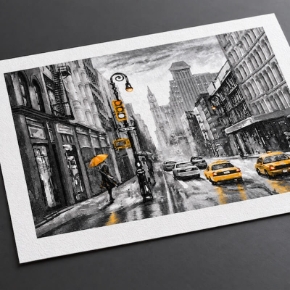
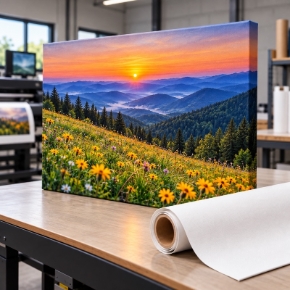
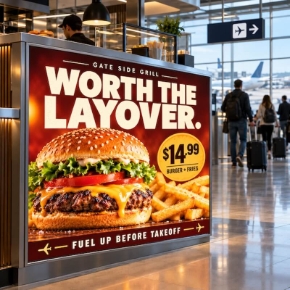
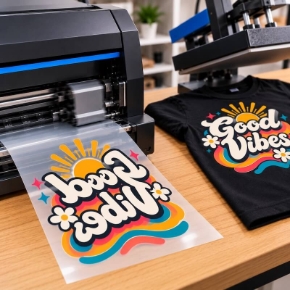
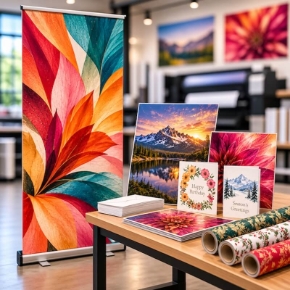
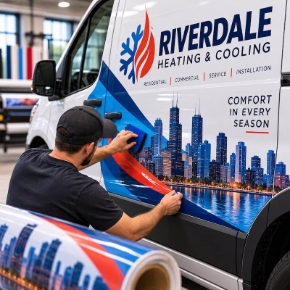
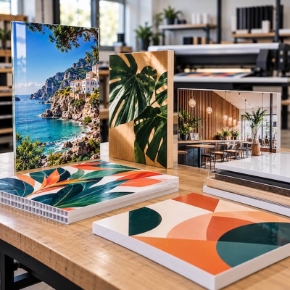
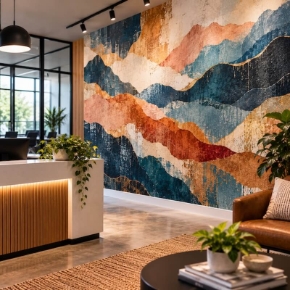
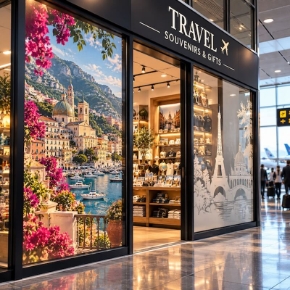
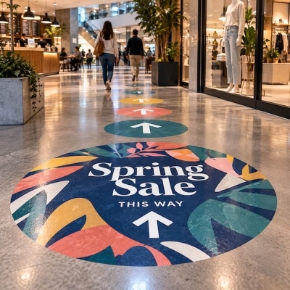
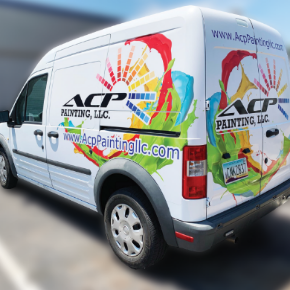
If it is a flexible graphic that lives indoors or outdoors, a solvent printer probably made it. The S-Series is built for indoor and outdoor signage, banners and trade show graphics, vehicle wraps, fleet graphics, and decals, stickers, labels, and contour-cut decals, wall graphics and window graphics, and canvas and fine art prints.
The common thread is durability plus flexibility. A banner needs to survive wind and sun. A wrap needs to stretch around a bumper and stay stuck. A wall graphic needs to come off cleanly later. Solvent ink handles all three because the bond is chemical, not just a layer sitting on the surface. See the media and laminate for vehicle graphics to match the right vinyl and overlaminate to the job.
The Epson S-Series Lineup at a Glance
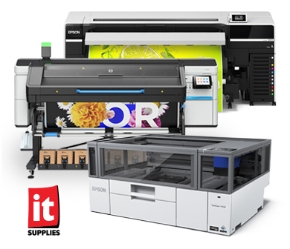
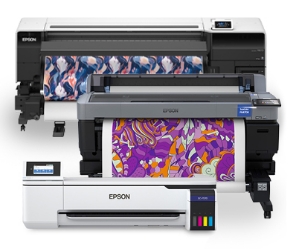
Epson retired the previous S40, S60, and S80 generation after nearly a decade and replaced it with three 64-inch printers. The S7170 replaces the S40600, the S8170 replaces the S60600, and the S9170 follows the S80600, which is now discontinued. All three run the same UltraChrome GS3 ink family, all three include a 1-year ONYX Go Plus RIP subscription and Epson Edge Print Pro, and all three print 64 inches wide. What changes is color, speed, and price.
| Model | Ink set | Production speeds (vinyl / banner) | Ink cost | Regular price | Best for |
|---|---|---|---|---|---|
| S7170 | 4 colors (CMYK) | 140 / 280 sq ft/hr | About 21 cents/mL | $16,065 | Value and growing shops |
| S8170 | 6 colors (CMYK + Light Cyan + Light Magenta) | 243 / 358 sq ft/hr | About 19 cents/mL | $23,685 | Speed and high volume |
| S9170 | 11 colors (CMYK + Light Cyan + Light Magenta + Light Black + Orange + Red + Green + White) | 220 / 376 sq ft/hr | About 17 cents/mL | $28,835 | Color-critical wraps and fine art |
For a deeper model-by-model breakdown, see our S-Series buyer's guide.
Epson SureColor S7170: The Value Pick
The Epson SureColor S7170 is the entry point into Epson's solvent lineup, and it is built for shops starting out or adding capacity. It runs a 4-color UltraChrome GS3 ink set through a 1.33-inch PrecisionCore Micro TFP printhead with Nozzle Verification Technology, on the proven media-handling platform of the S40600 it replaces. Production speeds are 140 sq ft/hr on vinyl and 280 sq ft/hr on banner, with draft modes reaching 397 on vinyl and 763 on banner. It prints vinyl, PVC, mesh, paper, canvas, and film, so one printer covers signs, banners, stickers, vehicle wraps, and canvas.
The S7170 is regularly priced at $16,065, with additional savings available through Epson promotions that vary from month to month. See the current pricing information at the top of the S7170 product page.
One warning that matters: the S7170 does not ship with ink. A full set of Epson 800 mL ink packs must be purchased with the printer for it to run. Genuine Epson ink packs only.
Watch the S7170 go head to head with the HP Latex 630 at the entry tier:
S7170 Print Cut Edition: Printer Plus Cutter in One Purchase
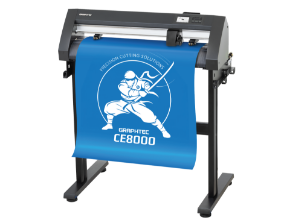
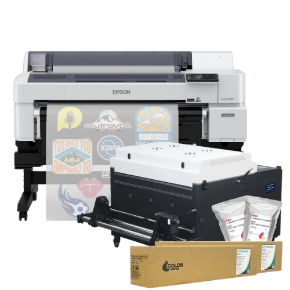
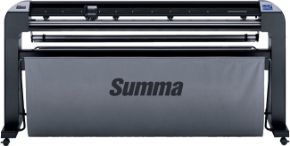
If stickers, decals, and labels are a big part of your work, look at the Epson SureColor S7170 Print Cut Edition. It pairs the same S7170 printer with a Summa S1 D140 55-inch roll cutter and the workflow software to run both, so you print and contour-cut in one streamlined workflow instead of buying a printer and a cutter separately and building the workflow yourself. The cutter reads printed registration marks and cuts automatically, with PostNet Barcode automation to keep roll-to-roll jobs running unattended. It cuts at up to 44 inches per second diagonally and ships with a stand, basket, and Summa GoSign software, plus plug-ins for Illustrator, CorelDRAW, and MacSign.
The bundle is regularly priced at $19,995, with additional savings available through Epson promotions that vary from month to month. See the current pricing information at the top of the Print Cut Edition product page. Like the standalone S7170, it does not ship with ink. The printer carries a 1-year limited warranty with on-site service, and the Summa cutter carries a 2-year limited warranty. Read the full announcement on our blog.
Epson SureColor S8170: The Speed Pick
The Epson SureColor S8170 is Epson's fastest 64-inch solvent printer, built for medium to large sign shops where throughput is the bottleneck. It runs a 6-color UltraChrome GS3 ink set, CMYK plus Light Cyan and Light Magenta for less banding at production speeds, through a 2.64-inch PrecisionCore Micro TFP printhead. It is over 20% faster than the S60600 it replaces, with production speeds of 243 sq ft/hr on vinyl and 358 sq ft/hr on banner. In our testing it reached 725 sq ft/hr in 2-pass mode.
The S8170 is also the practical pick of the lineup. Its printhead is user-replaceable, so a head swap does not mean a service call or days of downtime. Ink comes in 800 mL or 1.5-liter packs you can mix and match, at about 19 cents per mL, and the fast-drying GS3 formulation allows same-day lamination. It ships with a full set of 800 mL inks in the box, along with the ONYX Go Plus subscription and Epson Edge Print Pro.
The S8170 is regularly priced at $23,685, with additional savings available through Epson promotions that vary from month to month. See the current pricing information at the top of the S8170 product page.
Watch the S8170 take on the HP Latex 730 at the mid tier:
Epson SureColor S9170: The Color Pick
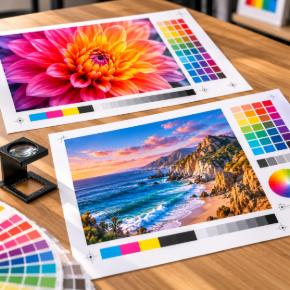
The Epson SureColor S9170 is Epson's flagship solvent printer, built for shops where color is the job: vehicle wraps, fine art, wall graphics, and brand-critical work. Its 11-color UltraChrome GS3 ink set, CMYK plus Light Cyan, Light Magenta, Light Black, Orange, Red, Green, and White, covers up to 99% of the PANTONE library. The all-new Green ink replaces metallic silver and widens the gamut 13 to 19% over the S80600, and opaque White ink prints on clear or dark substrates. It is the only printer in the lineup with white ink.
It is fast, too. The 2.6-inch PrecisionCore Micro TFP printhead, 1.3 times larger than the S80600's, runs 4-pass production at 376 sq ft/hr on banner and 220 sq ft/hr on vinyl. In blind testing, Epson's experts could not distinguish 4-pass S9170 output from 8-pass S80600 output. The printhead is user-replaceable, the first in its class, and a swap takes about ten minutes followed by about an hour of self-calibration. Automatic daily printhead maintenance keeps it running with minimal attention.
The S9170 is regularly priced at $28,835, with additional savings available through Epson promotions that vary from month to month. See the current pricing information at the top of the S9170 product page. Ink runs about 17 cents per mL in 800 mL or 1.5-liter packs, and the printer ships with a full set of eleven 800 mL ink packs.
If you are still running an S80600, the S9170 is the move Epson points you to. The S80600 is discontinued, and our S9170 vs S80600 breakdown covers the five upgrades that matter most.
Watch the flagship head to head with the HP Latex 830W:
What Does Solvent Printing Cost to Run?
The printer is the down payment. The running cost is ink, media, and laminate, and solvent is one of the cheapest inks to run in wide format. Epson's GS3 ink costs about 21 cents per mL on the S7170, about 19 cents on the S8170, and about 17 cents on the S9170, with the larger 1.5-liter packs bringing the per-mL cost down on the S8170 and S9170. All three printers are designed for genuine Epson ink packs only.
The other cost to plan for is what ships in the box. The S8170 and S9170 ship with full sets of ink, so they print on day one. The S7170 and the S7170 Print Cut Edition do not ship with ink, so budget a full set of 800 mL packs with the purchase. Every printer in the lineup includes the RIP software, a 1-year ONYX Go Plus subscription and Epson Edge Print Pro, so there is no separate RIP purchase.
Same-day lamination is the hidden savings. Because GS3 inks are laminate-ready in 4 to 6 hours, a job printed in the morning can be laminated and out the door the same day, instead of sitting overnight waiting to outgas.
Solvent vs Latex: The Short Version
The other technology every sign shop compares against solvent is HP Latex, and the choice comes down to how each ink cures. Solvent ink bonds to the media through a chemical reaction that takes hours to finish. Latex ink is water-based and gets melted into a resin film with heat the moment it prints, so it is dry and ready to laminate immediately. That single difference explains almost everything else.
| Solvent | Latex | |
|---|---|---|
| How it cures | Chemical bond, hours to finish | Heat melts ink into resin film, instant |
| Lamination | Wait 4 to 6 hours (Epson S-Series) | Laminate immediately |
| Odor | Mild solvent odor, ventilation recommended | Odorless, zero harmful VOCs |
| Power | Standard 110V | Two 220V outlets |
| Media | Solvent-coated media only | Coated, uncoated, and aqueous media, plus fabrics |
| Ink use | Baseline | About 30% more ink per sq ft |
| Best for | Outdoor durability, wraps, scratch resistance | Indoor air quality, instant turnaround, mixed media |
Solvent wins on outdoor durability and cost per mL. Latex wins on instant turnaround and printing in spaces where odor matters. Most high-volume sign shops end up running one of each, and the right first printer depends on what you print most.
What Else Do You Need to Buy?
The S8170 and S9170 ship ready to print, with full ink sets in the box. For the S7170, and for day-to-day production on any of the three, budget for the rest of the line:
Ink, if you buy the S7170: a full set of Epson UltraChrome GS3 800 mL ink packs. The printer does not ship with ink, and it will not run without it. Genuine Epson packs only.
Media and laminate: solvent-coated vinyl, banner, canvas, and film, plus overlaminate to protect outdoor work. Match the media to the job, and laminate after the 4 to 6 hour wait.
A cutter, if you cut decals and stickers: the S7170 Print Cut Edition bundles the Summa S1 D140 cutter with the printer, or buy the printer standalone and add a cutter later.
RIP software: included. Every S-Series printer ships with a 1-year ONYX Go Plus subscription and Epson Edge Print Pro, so there is no separate RIP purchase.
Freight delivery: all three printers ship by freight at 613 to 754 lb. A liftgate is available, and the S7170 is 102.2 inches wide, so measure the path to its final table. Call 1-800-771-9665 for shipping details.
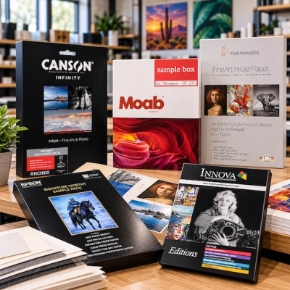
Print samples: not sure solvent is right for your work? Request print samples and see the output before you buy.
Frequently Asked Questions
What is solvent printing?
Solvent printing uses ink carried in a solvent. The solvent softens the media's coating so the pigment bonds to it through a chemical reaction, then evaporates with gentle heat under 135 degrees. The print is dry to the touch in minutes, but the bond takes hours to finish. Because the ink becomes part of the media, solvent prints hold up outdoors and stay flexible enough for vehicle wraps.
How long do I wait before laminating a solvent print?
Epson rates the S-Series laminate-ready in 4 to 6 hours, so a job printed in the morning can be laminated the same day. Other solvent printers can need up to 24 hours. Laminate too soon and trapped solvent can cloud the laminate, which is why the wait matters.
Do I need special ventilation for a solvent printer?
Epson's GS3 inks are a milder solvent than the old hard-solvent printers, and there is no special exhaust system required. The odor can still build up in a small room, so ventilation matters, especially in a tight shop.
What media does solvent printing need?
Solvent printing needs solvent-coated media, because the coating is what the solvent reacts with. That covers vinyl, PVC, banner material, mesh, canvas, and film. It does not print on uncoated paper or bare fabric the way latex does.
Which Epson solvent printer should I buy?
Pick the S7170 for value: 4-color output at the lowest price, perfect for growing shops. Pick the S8170 for speed: its 6-color ink set and larger printhead deliver the fastest output in the lineup. Pick the S9170 for color: its 11-color set with red, orange, green, and white covers up to 99% of PANTONE colors.
How much do the S7170, S8170, and S9170 cost?
The S7170 is regularly priced at $16,065, the S8170 at $23,685, and the S9170 at $28,835, with additional savings available through Epson promotions that vary from month to month. The S7170 Print Cut Edition bundle with the Summa cutter is regularly priced at $19,995. See the current pricing information at the top of each product page, or call 1-800-771-9665.
Does the printer come with ink?
The S8170 and S9170 ship with full sets of ink in the box. The S7170 and the S7170 Print Cut Edition do not ship with ink, so a full set of Epson 800 mL ink packs must be purchased with the printer for it to run. All three printers use genuine Epson ink packs only.
What does solvent printing cost to run?
GS3 ink runs about 21 cents per mL on the S7170, about 19 cents on the S8170, and about 17 cents on the S9170. The S8170 and S9170 take 800 mL or 1.5-liter packs you can mix and match, with the larger packs bringing the per-mL cost down. RIP software is included with every printer, so there is no separate RIP purchase.
Is the printhead user-replaceable?
Yes, on the S8170 and the S9170. The S9170 has the first user-replaceable solvent printhead in its class, and a swap takes about ten minutes followed by about an hour of self-calibration, so a head swap does not mean a service call or days of downtime.
Should I upgrade from the S80600 to the S9170?
For most shops, yes. The S80600 is discontinued, and the S9170 is the printer Epson points S80 owners to. Its larger printhead and enhanced ink algorithms deliver higher ink density with fewer passes, and in blind testing, experts could not distinguish 4-pass S9170 output from 8-pass S80600 output. The new Green ink also expands the color gamut 13 to 19% over the S80600. Watch Andy's full walkthrough at the top of this page.
Talk Solvent Printing With Our Team
Tell us what you print, and we will help you pick the right S-Series printer for your shop.
Call 1-800-771-9665 Shop Solvent Printers Shop the S9170 Request Print Samples