


























































Epson SureColor F370: Epson’s New 13″ x 19″ Dye-Sublimation Printer, Explained
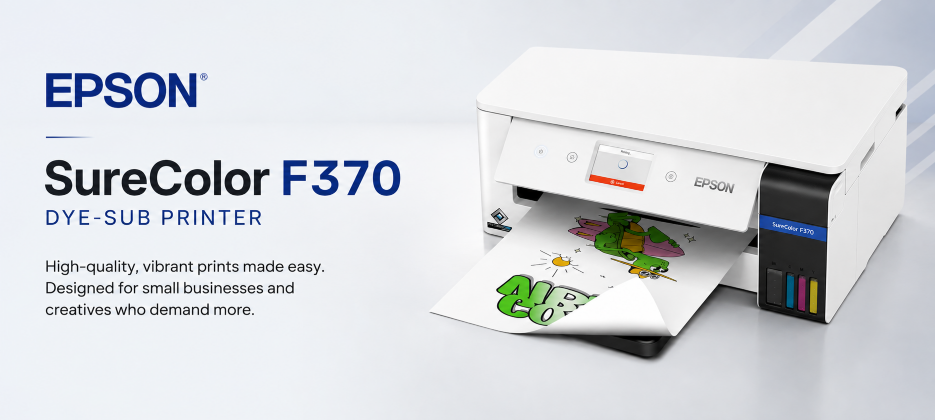
The Epson SureColor F370 is Epson’s newest purpose-built dye-sublimation printer, announced at PRINTING United Expo 2026 in Las Vegas. It prints transfers up to 13″ x 19″, costs $999, and is made for makers, Etsy sellers, small shops, schools, and creative workspaces that want to make personalized apparel, tumblers, photo panels, towels, cutting boards, and gifts — without moving up to a 24-inch production printer. Shipping is expected in November 2026, so check our product page or call us for current availability.
Epson SureColor F370 Dye-Sub Printer Intro Video
What Is the Epson SureColor F370?
The F370 is a desktop dye-sublimation printer, engineered from the start for sublimation ink and transfer paper — not a converted office printer. That purpose-built design is the point: predictable color, consistent transfers, and dependable performance, with a guided touchscreen setup that helps new users get to sellable results quickly.
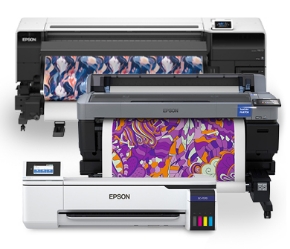
It sits in the middle of Epson’s dye-sub lineup. It is a clear step up in size from the compact 8.5-inch F170, and a much smaller, simpler commitment than the 24-inch roll-fed F570. If your products fit in a 13″ x 19″ transfer, the F370 is built for exactly that work.
What Can You Make With the F370?
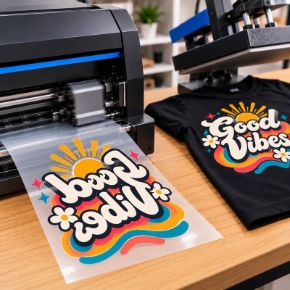
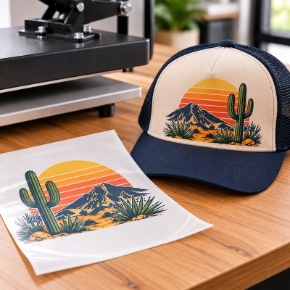
The F370 prints the transfer. You then heat-press that transfer onto a compatible blank. Epson highlights these products in particular:
- Custom T-shirts and apparel — with larger graphic areas than an 8.5-inch printer allows.
- Towels and spirit towels, tote bags, cushions and pillows, and flags.
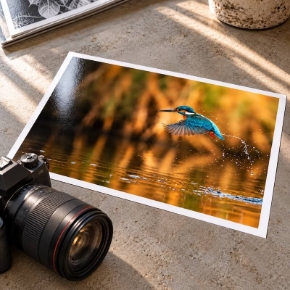
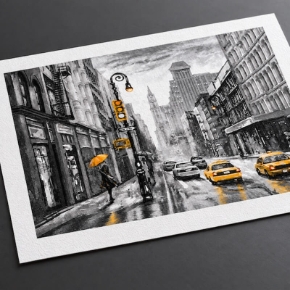
- Tumblers and personalized hard goods, photo panels, and cutting boards.
- Personalized gifts, home décor, soft goods, and promotional products.
- School and classroom projects, and small-shop / Etsy orders.
In short: if it is a polyester garment or a sublimation-coated blank that fits a 13″ x 19″ transfer, the F370 is sized to make it.

How Does Dye Sublimation Work?
Dye sublimation is a two-step process. First, the F370 prints your design in dye-sublimation ink onto sublimation transfer paper. Then a heat press applies heat and pressure, turning the dye into a gas that bonds into polyester fibers or into the coating on a hard-goods blank. Because the dye becomes part of the material rather than sitting on top of it, sublimated prints do not crack or peel the way a surface transfer can.
That is also why substrate matters: sublimation works best on white or light-colored polyester and on coated blanks. There is no white sublimation ink, so dark garments are not a fit for this process on its own. That is where the new cotton primer below changes the conversation — for white and light-colored cotton, not for dark cotton.
What Size Can the F370 Print?
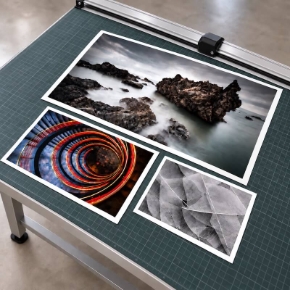
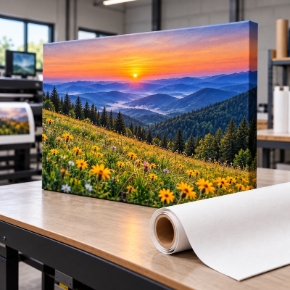
The F370 prints transfers up to 13″ x 19″, at up to 1200 x 600 dpi from its PrecisionCore Micro TFP 4-channel printhead. That larger format is what opens up adult apparel with bigger graphics, large tote bags, spirit towels, and photo panels that an 8.5-inch desktop printer simply cannot cover in one transfer.
Paper handling is one of the F370’s most practical features, because it has two auto-switching paths — no manual swapping between sizes:
- 150-sheet 8.5-inch cassette for everyday, smaller jobs.
- 15-sheet 13″ x 19″ tray for larger transfers.
Transfer paper modes add optimized settings for fabric versus hard-goods workflows, so you are not guessing at settings when you switch from a shirt to a photo panel.

What Ink Does the F370 Use?
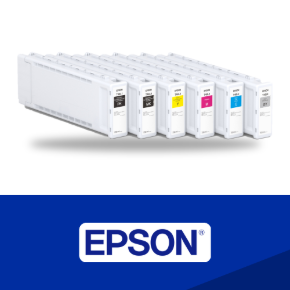
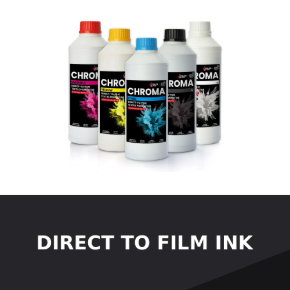
The F370 uses genuine Epson T49M dye-sublimation ink in 4-color CMYK, supplied as refillable 140 mL bottles with Auto-Stop Technology for mess-free refilling. A full set of initial CMYK bottles is included in the box, so you can start printing right away. Epson strongly recommends genuine Epson ink for optimal print quality and performance. Check out the F370 Ink here.
- Black: T49M120
- Cyan: T49M220
- Magenta: T49M320
- Yellow: T49M420
That ink choice matters if you already run Epson dye-sub printers: the F370 uses the same T49M ink family as the F170 and F570, so a multi-printer shop stocks one ink family. The large-bottle, cartridge-free system also reduces how often you refill, and unopened ink has a 2-year shelf life. The inks are ECO PASSPORT by OEKO-TEX certified — when applied to fabric and appropriately fixed, garments have been determined safe for use by adults, children, and babies.

Can the F370 Print on Cotton?
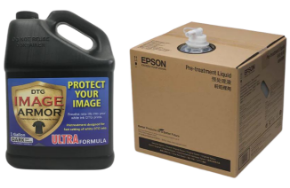
Yes — with Epson’s new Sublimation Primer for Cotton. Traditionally, dye sublimation was a polyester process. The primer is a liquid solution designed to enable sublimation on white and light-colored cotton garments, expanding the F370 beyond traditional polyester substrates without switching to a different decorating technology.
That opens up cotton apparel, soft goods, and home décor for shops that already know the sublimation workflow — and it lets a creator test cotton products before investing in larger equipment. The primer is expected in November 2026 for $149.95 (MSRP), supplied in convenient 2 x 1-liter pouches. Ask us about current availability.
How Do You Send Jobs to the F370?
Print from practically any device: wireless, USB, Wi-Fi Direct, and mobile printing, including Apple AirPrint and Mopria support. Send jobs from a compatible iPad or mobile device, or from a Mac or Windows computer — no LAN cable required for wireless printing. Most features require a network connection to the printer and a network-connected device.


How Big Is the F370, and Will It Fit Your Workspace?
The F370 is a compact desktop printer, not a floor-standing production machine:
- Width: 19.6 inches
- Depth: 29.6 inches printing, 14.1 inches in storage
- Height: 8.3 inches
- Weight: 16.6 lb
That footprint is why Epson positions it for home studios, classrooms, small shops, and pop-up production — it fits where a 24-inch roll printer would not, while still delivering 13″ x 19″ output.
What’s in the Box?
- SureColor F370 Standard Edition printer
- Full set of initial ink bottles, CMYK, 140 mL each
- Start Here poster, user guide, and AC power cable
What is not in the box — and what you will still need to start selling — is sublimation transfer paper, a heat press, and sublimation-ready blanks. Those are sold separately, so budget for them alongside the printer if you are starting from scratch.
How Much Does the F370 Cost, and When Is It Available?
The Epson SureColor F370 is currently priced at $999.00. Epson announced availability in November 2026. If you are planning around a launch, a holiday rush, or a classroom start date, call 1-800-771-9665 for the latest availability before you count on a date.
The printer includes a 1-year limited warranty and access to Epson technical support. Optional Epson Preferred Plus extended service plans are also available.
F370 vs. F170 vs. F570: Quick Reference
- Maximum size → F170: 8.5-inch desktop • F370: 13″ x 19″ • F570: 24.4-inch wide roll and sheet.
- Media handling → F170: 150-sheet tray • F370: 150-sheet 8.5″ cassette + 15-sheet 13″ x 19″ tray, auto-switching • F570: 50-sheet feeder + roll media, with a built-in cutter.
- Ink → All three use Epson T49M, 4-color CMYK, 140 mL bottles.
- Resolution → F170 and F370: 1200 x 600 dpi • F570: 2400 x 1200 dpi.
- Cotton primer → The F370 is the one of the three that supports Epson’s new Sublimation Primer for Cotton.
- Best for → F170: mugs, awards, mousepads, and small gifts • F370: apparel, towels, hard goods, photo panels, and personalized products • F570: larger transfers and wider production.
Should You Buy the F370, F170, or F570?
Choose the F170 if 8.5-inch output covers your products and you want the smallest, simplest entry point. Choose the F370 if you need 13″ x 19″ transfers for apparel, towels, and photo panels, want the cotton-primer option, and still want a desktop footprint. Choose the F570 if you need 24-inch roll-fed production with a built-in cutter. If you are not sure which size your best-selling products actually need, measure your largest transfer first — that one number usually settles it.
Epson SureColor F370: Frequently Asked Questions
What is the Epson SureColor F370 best for? A purpose-built 13″ x 19″ dye-sublimation printer for makers, Etsy sellers, small shops, schools, and creative workspaces — custom apparel, tumblers, photo panels, towels, cutting boards, and personalized gifts, without moving to a 24-inch production machine.
How much is the F370, and when does it ship? $999.00 at IT Supplies, with shipping expected in November 2026. Call 1-800-771-9665 for current availability.
Can the F370 print on cotton shirts? Yes, with Epson’s Sublimation Primer for Cotton, on white and light-colored cotton garments. The primer is $149.95 MSRP, expected November 2026, in 2 x 1-liter pouches.
What ink does the F370 use? Genuine Epson T49M dye-sublimation ink, CMYK, in refillable 140 mL bottles — the same ink family as the F170 and F570.
Do I need anything else besides the printer? Yes: sublimation transfer paper, a heat press, and sublimation-ready blanks. Those are sold separately.
What warranty comes with the F370? A 1-year limited warranty with access to Epson technical support. Optional extended service plans are available.
Where to Buy the Epson SureColor F370
See full specs, current pricing, and availability on the IT Supplies product page: Epson SureColor F370 13″ Dye-Sub Printer. If you are deciding between the F370, F170, and F570, or just want to confirm what else you need to get started, call 1-800-771-9665 and ask for a commercial sales specialist — we will walk you through it. You can also visit www.itsupplies.com.
Product information in this article is based on Epson’s Sept. 23, 2026 announcement and the IT Supplies F370 product page. Specifications, availability, and pricing are subject to change — check the product page for the latest details.

Write a comment